Get the bd330 APK on Your Android Phone
One file, one tap to install. The bd330 app gives you the full betting experience — cricket markets, live casino, bKash deposits, and fast withdrawals — without keeping a browser tab open. Works on any Android phone running version 6.0 or newer.
- SSL Encrypted
- Android 6.0+
- bKash & Nagad
- 24/7 Support
Download the bd330 APK File
| Detail | Value |
|---|---|
| App Version | 2.7.19 |
| File Size | 41 MB |
| Minimum Android | 6.0 (Marshmallow) |
| Last Updated | 14 November 2026 |
| Price | Free |
| Language | English / Bangla |
| Platform | Android (APK sideload) |
iPhone or iPad? Add to Home Screen
There is no iOS App Store listing. Use Safari to pin the site as a home-screen shortcut instead — it behaves like an installed app.

Everything in the app, right on your phone
The bd330 app carries the full game library. Cricket betting, slots, fishing games, live casino — the same content you get on the desktop site, compressed into a 41 MB install.
- Slots, crash, fishing and live casino — all categories in one screen
- Live cricket match odds update in the app without refreshing
- Deposit with bKash or Nagad in under 3 minutes from the app
- Push notifications for match starts and bonus offers
Android Install: From Download to First Bet
-
1
Allow installs from unknown sources
Go to Settings → Security (or Privacy on newer phones) and turn on "Install unknown apps" for your browser or file manager. This is required for any APK not downloaded through the Play Store. Android 6.0 through 7.1 has a single switch in Security; Android 8.0 and above asks per-app when you first try to install.
-
2
Download the bd330 APK
Tap the "Download APK" button on this page. Your browser will save bd330.apk (41 MB) to your Downloads folder. Wait for the download bar to reach 100% — do not open it mid-download or the file will be corrupt. On slow connections, connecting to Wi-Fi first saves mobile data.
-
3
Open the APK file
Pull down your notification shade and tap bd330.apk, or open your file manager, navigate to Downloads, and tap the file. Android will show an install prompt listing the app name and permissions it needs. Review them, then tap Install.
-
4
Wait for the install to complete
Installation takes about 10–20 seconds on most phones. You will see the message "App installed". Do not tap the screen or switch apps during this step. If your phone shows a Play Protect warning, tap "Install anyway" — this warning appears for all APKs not in the Play Store, including safe ones.
-
5
Log in or create your account
Tap Open in the install prompt. The bd330 app loads to the login screen. Existing members enter their phone number and password. New players tap Register and complete a quick sign-up — it takes less than two minutes. Once inside, enable notifications if you want match-day alerts.
Quick reference
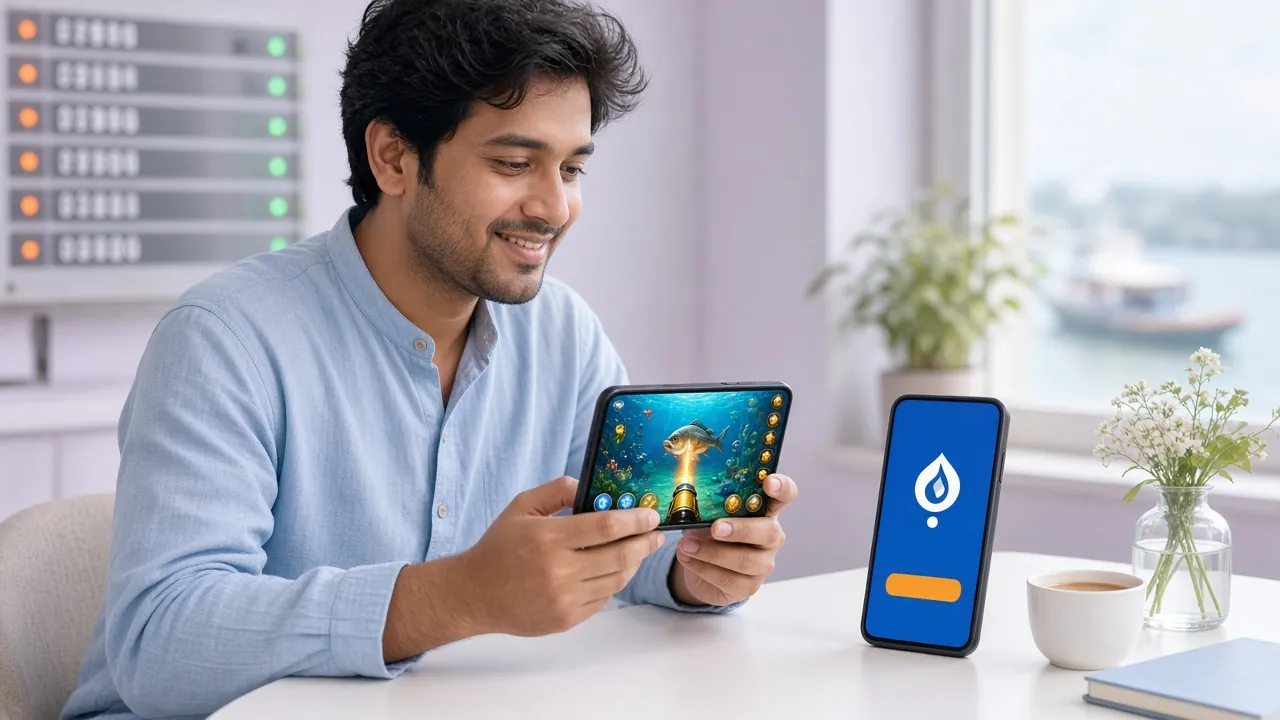
What You Can Do Inside the App
The app is a full client, not a shortcut to the website. These are the features that make a real difference on mobile.
Instant Login
Open the app and your session persists. No re-entering passwords every visit. Use your phone's fingerprint lock for a faster tap-and-play experience.
Deposits from ৳100
Deposit with bKash, Nagad, Rocket, Upay, or bank transfer directly inside the app. Minimum deposit is ৳100 and funds arrive within 3 minutes. No switching to a separate browser.
Live Cricket & Sports
Follow BPL, IPL, T20, and ODI matches with live odds that refresh automatically. Place pre-match and in-play bets without page reloads — the app handles the connection.
Live Casino Tables
Stream Mini Baccarat and other Ezugi live tables in the app. The video feed stays stable on a 4G connection, and the betting interface sits below the stream so your thumb never covers the dealer.
Push Notifications
Opt in to alerts for match kick-offs, bonus deadlines, and new game launches. Notifications arrive even when the app is closed, so you never miss a limited promotion.
Withdrawals in One Step
Request a withdrawal to bKash or Nagad inside the app without visiting a separate page. Minimum withdrawal is ৳900 and standard processing takes around 38 minutes.
APK or Browser: Which One Fits Your Routine?
Both options use the same account and balance. The differences come down to speed, data usage, and how you prefer to access the site on your phone.
| Feature | bd330 APK | Mobile Browser |
|---|---|---|
| Load speed after first open | Fast — assets cached locally | Depends on connection, page reloads each visit |
| Mobile data per session | Lower — UI assets pre-loaded at install | Higher — full HTML/CSS downloaded each time |
| Push notifications | Yes | No (unless browser permission granted) |
| Persistent login | Session saved | Clears on private/incognito mode |
| Installation required | Yes — 41 MB one-time download | No install needed |
| Works on iOS | Android only | Yes |
| Best suited for | Daily players who want speed and notifications | Occasional visitors or iPhone users |
If you use the site more than a few times a week, the APK is the better choice. For iPhone users, see the Add to Home Screen steps above.
Install Blocked or App Not Opening? Fix It Here
Most installation failures have a quick fix. Check the table below before contacting support.
| Problem | Likely Cause | Fix |
|---|---|---|
| Install blocked by phone | "Unknown sources" permission not enabled for the browser or file manager you used to open the file | Go to Settings → Security → Install unknown apps, find your browser in the list, and toggle it on. Then tap the APK file again. |
| "Parse error" or "Package error" | The APK file did not download completely, or the file was corrupted during transfer | Delete the incomplete file, reconnect to Wi-Fi, and download bd330.apk again from this page. Do not open it before the download finishes. |
| Not enough storage space | Phone has less than 100 MB of free internal storage | Free up space by deleting unused apps or old photos. The bd330 APK needs 41 MB to install plus a small amount of cache space after first run. |
| App installs but won't open | Android version below 6.0, or RAM too low to load the app | Check your Android version in Settings → About Phone. Version 6.0 (Marshmallow) or newer is required. Close background apps to free RAM, then try again. |
| Play Protect warning appears | Google Play Protect flags APKs not distributed through the Play Store — this is a standard warning, not specific to bd330 | Tap "Install anyway." The APK is scanned and safe. If you are unsure, check the file hash against the value published on the official download page. |
App Permissions: What bd330 Requests and Why
Android shows every permission an app requests before you install it. Here is what the bd330 app asks for, the reason behind each request, and how to revoke a permission later if you change your mind.
| Permission | Why It Is Needed | How to Revoke |
|---|---|---|
| Internet access | Required to connect to the bd330 servers, load games, process deposits and withdrawals. Without this the app cannot function. | Cannot be revoked — this is a core permission for all online apps. |
| Push notifications | Sends alerts for match start times, bonus expiry, and new promotions. You are asked to allow this after the first launch. | Settings → Apps → bd330 → Notifications → Off. |
| Vibration | Gives brief haptic feedback on bet placement and win events — helps confirm your tap registered on a small screen. | Settings → Apps → bd330 → Permissions → Vibrate → Deny. |
| Camera (optional) | Used only if you choose to scan a bKash QR code for a deposit. The app does not access the camera at any other time. | Settings → Apps → bd330 → Permissions → Camera → Deny. You can still deposit by entering the number manually. |
| Read/write storage (Android 6–9) | Needed to save the app's cache and local data. Android 10 and above handle this automatically without a separate permission prompt. | Settings → Apps → bd330 → Permissions → Storage → Deny. This may cause slower load times on first open each day. |
Questions About the APK
Is the bd330 APK safe to install on my Android phone?
Yes. The bd330 APK is built and distributed by bd330 and hosted exclusively on bd330.lat. It goes through a security scan before every release. The Play Protect warning that appears during install is standard for all sideloaded APKs — it does not mean the file is dangerous. Download only from this page, verify the file size is 41 MB, and you are good to go.
What Android version do I need to run the app?
Your phone must run Android 6.0 (Marshmallow) or newer. This covers the vast majority of phones made after 2016. To check your version, go to Settings → About Phone → Android Version. If your phone is on Android 5.1 or older, use the mobile browser version of bd330.lat instead — it is fully functional on older devices.
How do I update the bd330 app when a new version comes out?
The app checks for updates automatically when you open it. If a newer version is available, you will see an in-app prompt asking you to update. Tap "Update" and the new APK downloads and installs over the existing one — your account data and settings are preserved. You can also download the latest version from this page at any time by tapping the Download APK button.
Why does the installation fail even after I enable unknown sources?
The most common cause is an incomplete download. Delete bd330.apk from your Downloads folder, turn on Wi-Fi, and download again. If that does not help, check that your phone has at least 100 MB of free storage. On Android 8.0 and above, the "unknown sources" toggle is per-app — make sure you enabled it for the specific browser you used to download the file, not just a general setting.
Can I use the same bd330 account on both the app and the browser?
Yes. Your bd330 account works across all platforms. Log in with the same phone number and password on the app, mobile browser, or desktop. Your balance, bonus status, and bet history are shared in real time. You can start a session in the browser and continue it in the app without losing anything. Just avoid being logged in on two devices simultaneously, as this may trigger a security check.
Does using the app cost more data than the website?
No — the app typically uses less mobile data per session. The user interface assets (icons, layout files, fonts) are stored locally after the initial 41 MB install, so the app only fetches live game data, odds, and your account information. A browser re-downloads parts of the page on every visit. For players on a limited data plan, the bd330 APK is the more economical choice.
Ready to play on your phone?
Download the bd330 APK, register a free account, and claim your first-deposit bonus. Deposit as little as ৳100 to get started.
18+ · Play Responsibly · bd330.lat is for players in Bangladesh